
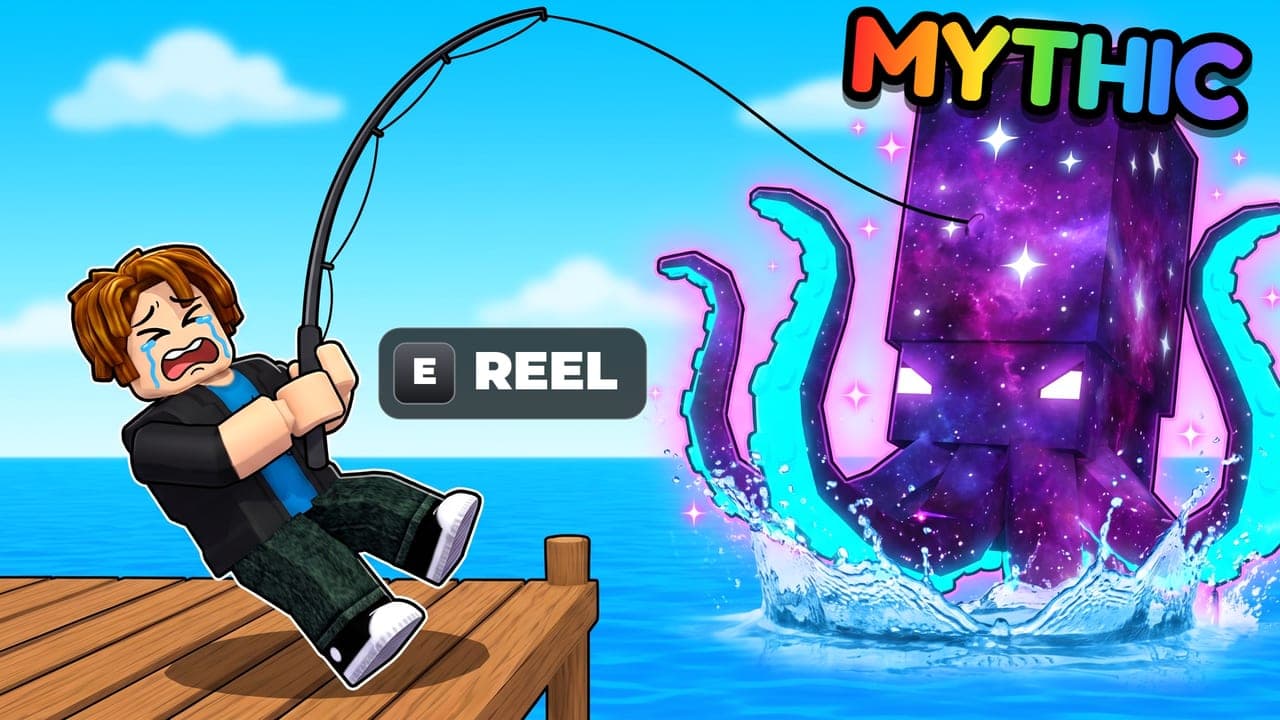
The short version
Show one moment from your game, with one huge subject, a loud face, bright colors that set the subject apart and few words, so it makes sense at phone size in a second.
Step 1
Pick the one moment that sells your game
Show your game's main action at its best moment: a swing mid-hit, a chase, a theft, a big reveal. In the top Cartoon thumbnails we studied, the hero is mid-action in nearly half. A hero just standing there holding an item shows up in about one in a hundred.
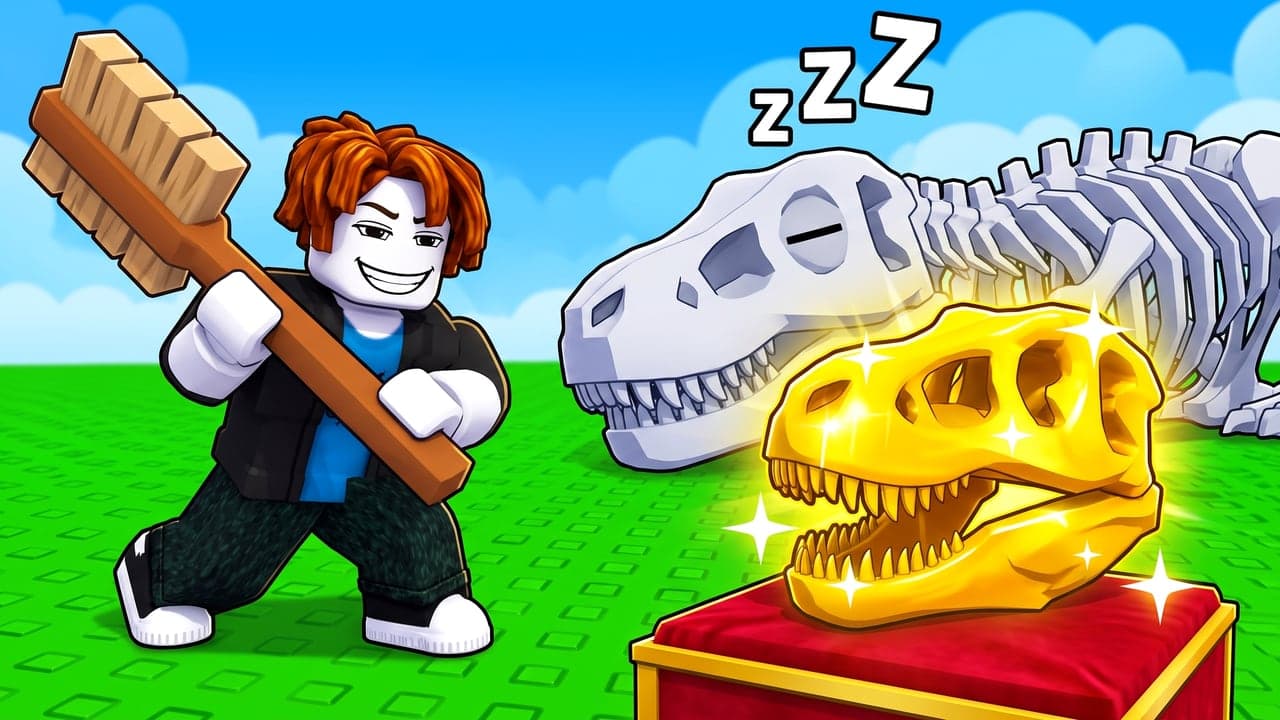
When the hero isn't moving, the scene tells the story instead: a guard asleep while you sneak past, a friend's reaction, the evidence of what just happened.
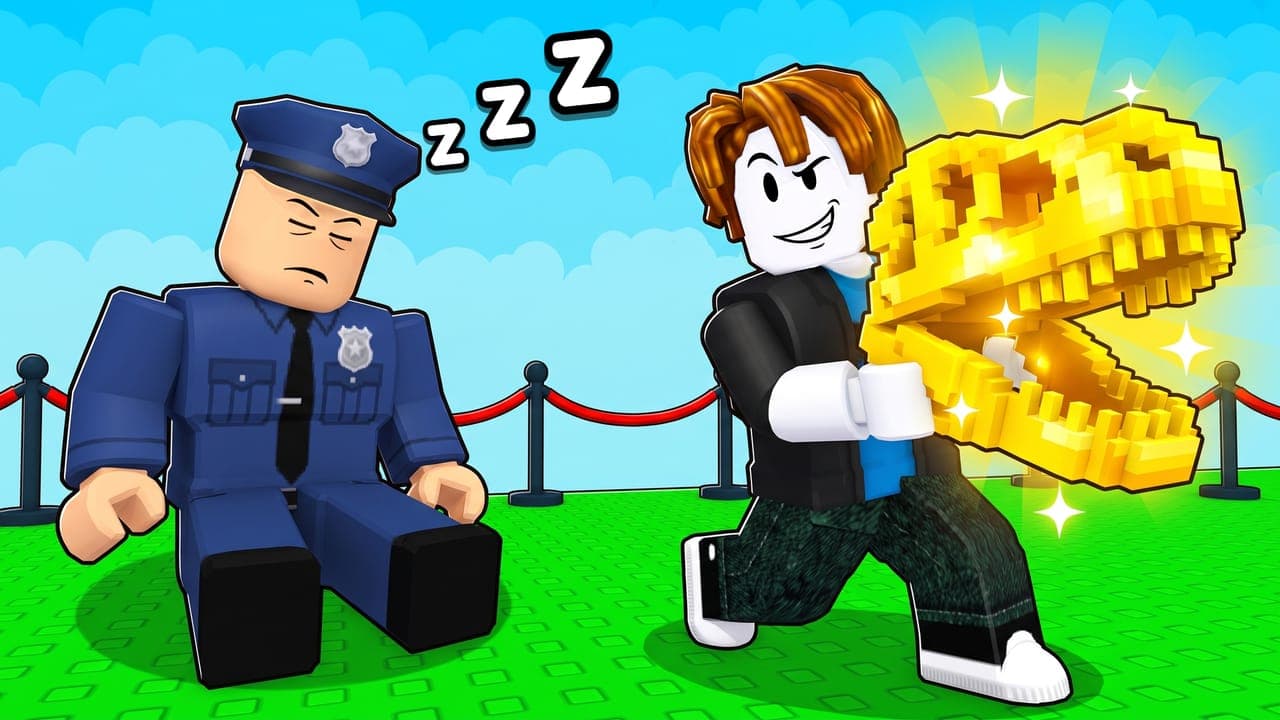 Cartoon
Step 2
Make one thing huge
Pick one star object, usually the reward: an egg, a creature, a gem, a vehicle. Make it giant, often bigger than the hero. Put the hero either big in the foreground or tiny next to the giant thing, never medium-sized and lost in the middle.
 Cartoon
Step 3
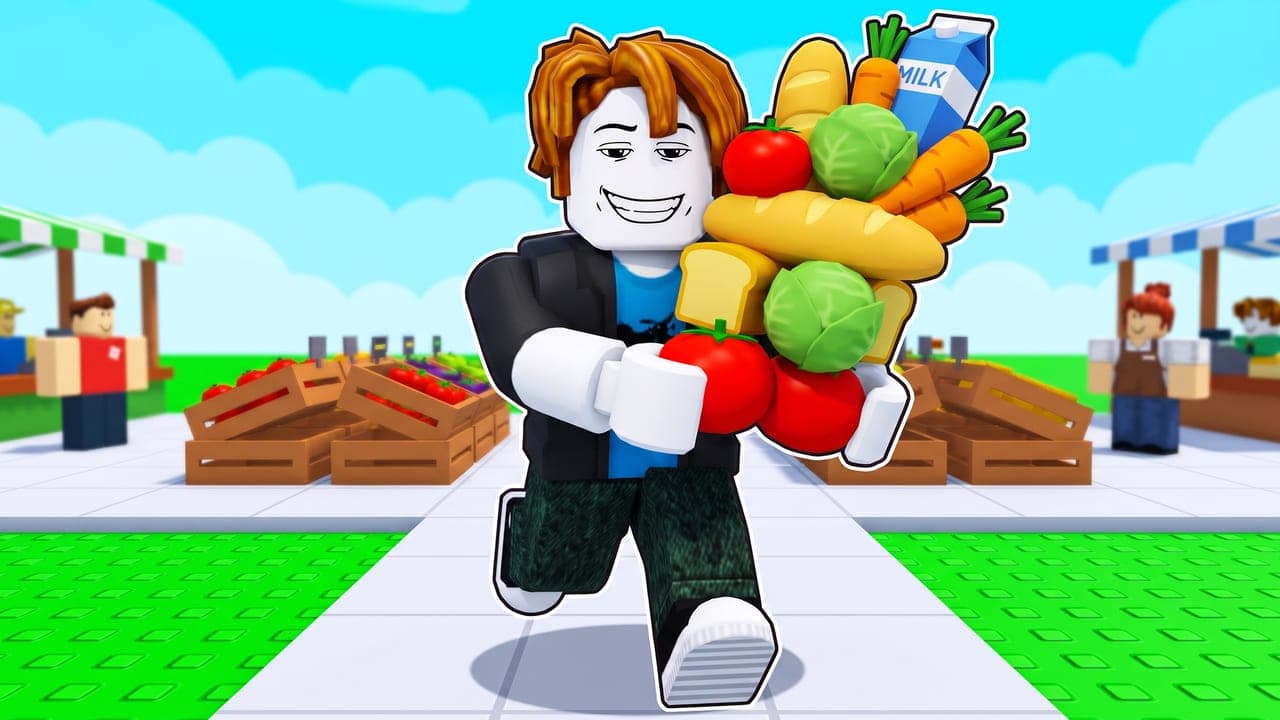
Push the faces
Roblox faces are simple, so make the expression loud: a smug grin, tears, a shocked open mouth, gritted teeth. The face tells players how to feel about the moment, and it still reads when the thumbnail is small.
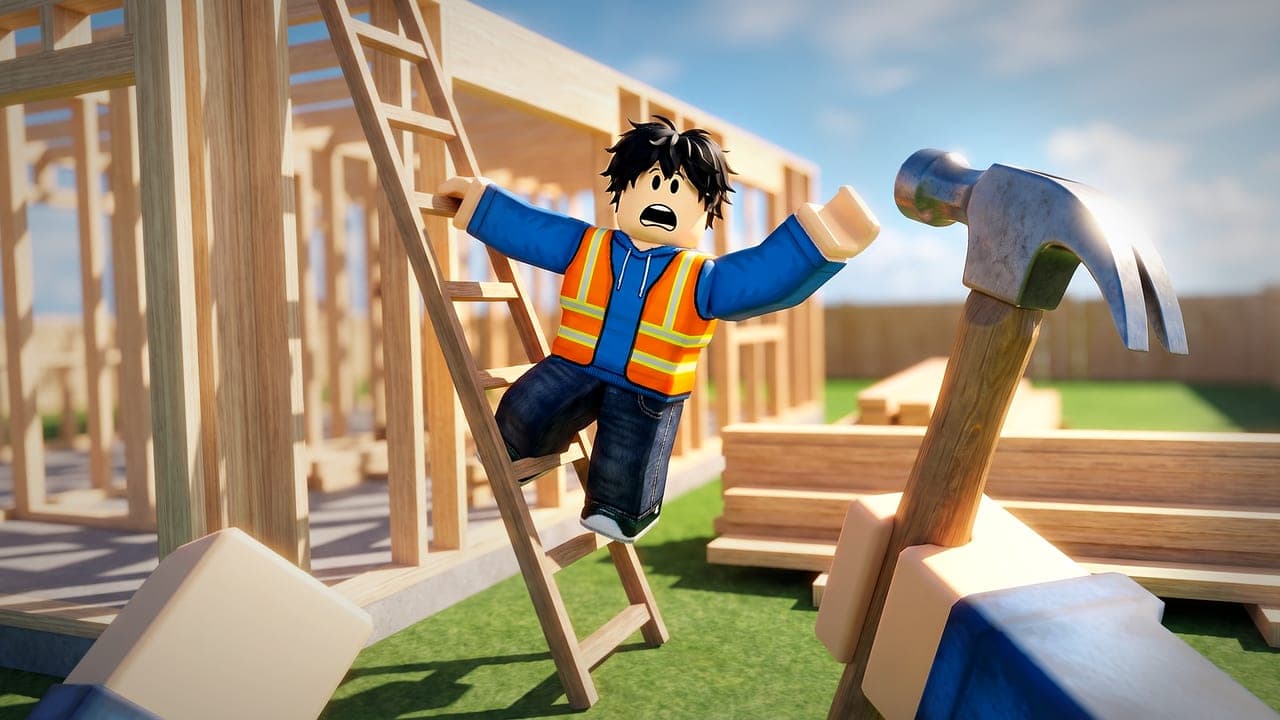 Realistic
Step 4
Use bright color, and make the subject stand out
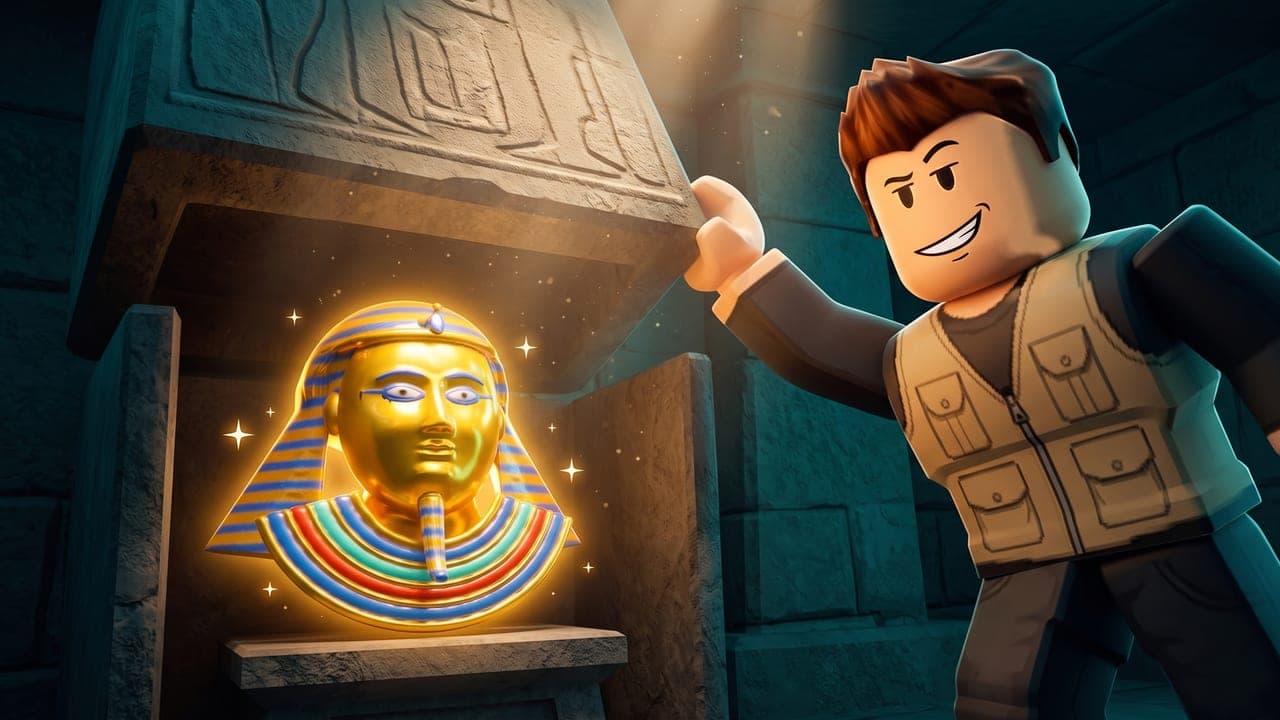
Bright, clean colors catch the eye on the Home page. Put every main subject on a color that's different from it: a gold prize against blue sky or a teal wall, never against gold. Save dark scenes for horror and mystery games.
Roblox's own tip is to show your game's theme through its colors, like bright ones for a comedy and a dark, stormy look for horror.
 Realistic
Step 5
Use few words, or none
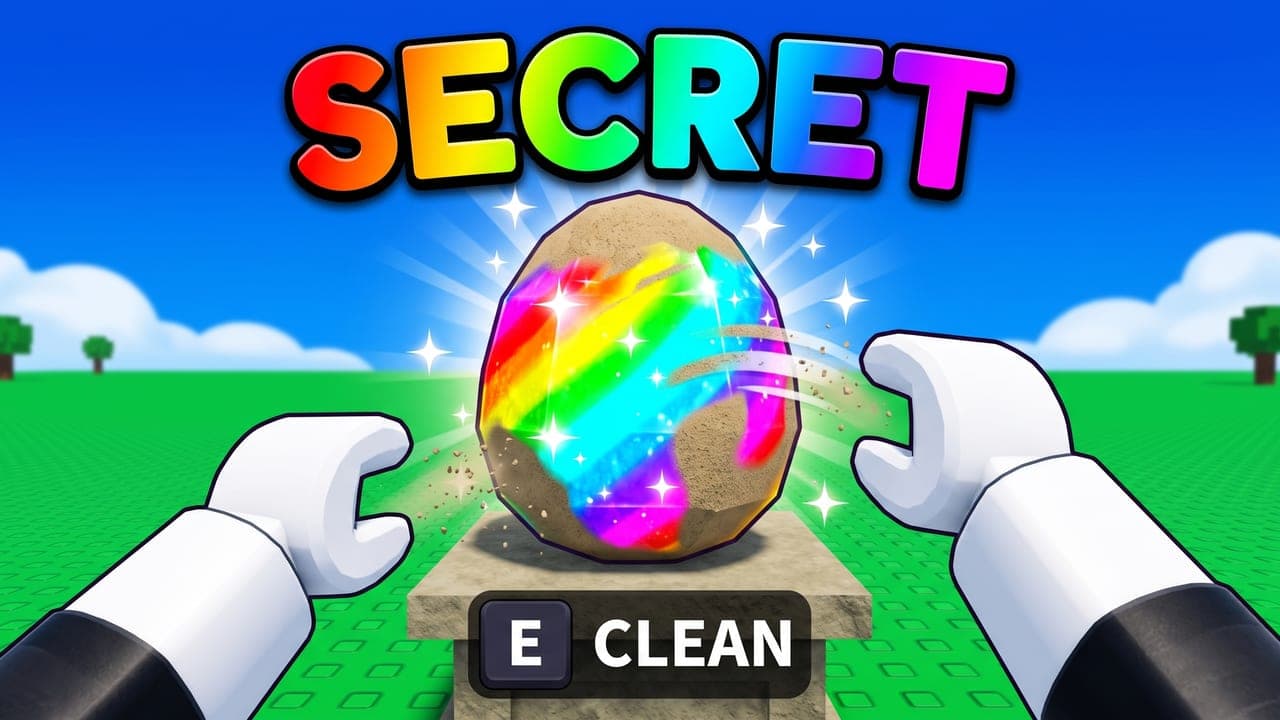
About a third of top thumbnails have no words at all. The rest use one to three huge ones: a specific number like DAY 999 or $4,827,193/s, a rarity word like SECRET or MYTHIC, or a short hook. Keep words off faces, and show money only if your game is about it: fewer than one in five top thumbnails do.
Make every word readable at phone size: a heavy, rounded font with a thick dark outline and a soft shadow.
 Cartoon
Step 6
Keep the bottom clear, and check it small
Roblox may cover the bottom of a thumbnail with details like the player count, so keep words and faces out of the bottom edge. Then look at it at phone size, next to other games. If it still pops there, it's working.
In CTRthumbs, the Front page tab does this for you: it shows your thumbnail among today's Top Trending games at the size players see them.
Step 7
Upload it at 1920×1080, and test more than one
Upload a 16:9 image, ideally 1920×1080; Roblox stretches any other shape. Then add two or more thumbnails: Roblox's Home page personalization shows them to different groups of players and sends more of each group to the one that works best. Roblox recommends testing new thumbnails with every major update.
Every size Roblox asks for is in our Roblox thumbnail size guide.
Pick the style players expect
Top games use three looks. Pick the one players expect from your kind of game:
Cartoon
The bright look of top simulator, tycoon, egg and obby games.
Semi-realistic
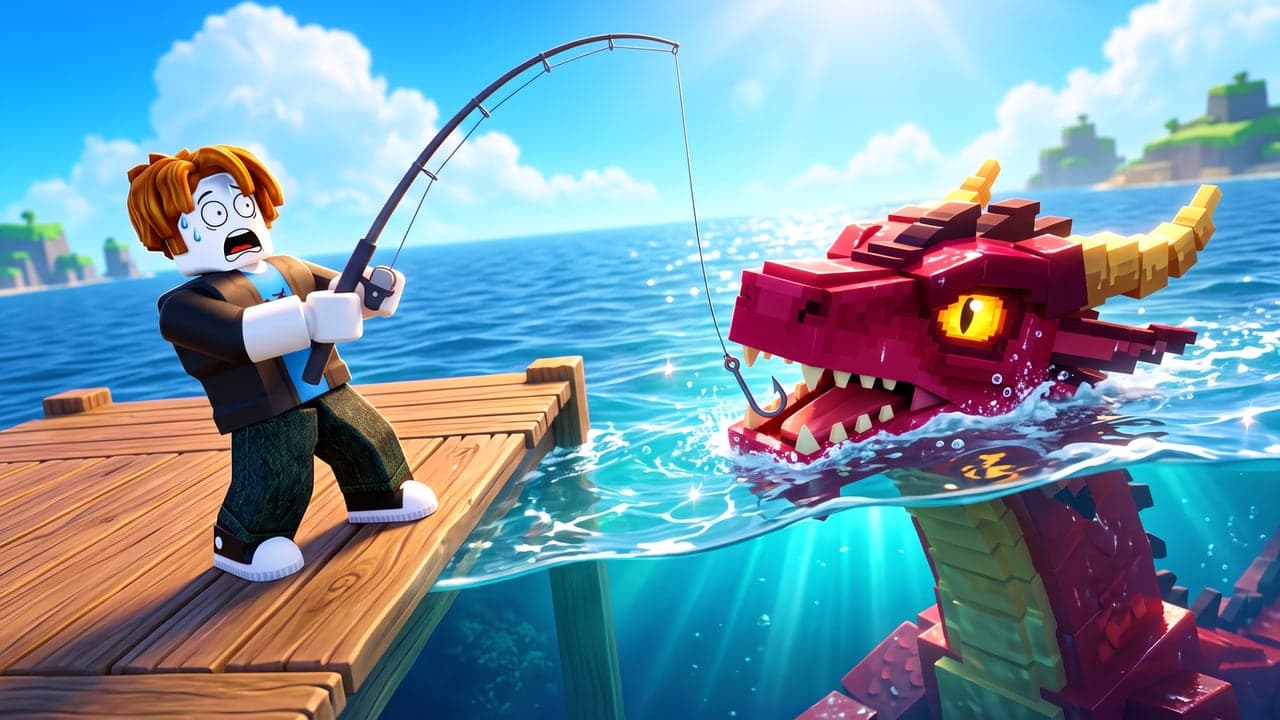
Cartoon characters in a realistic world, for fishing, digging, food and sports games.
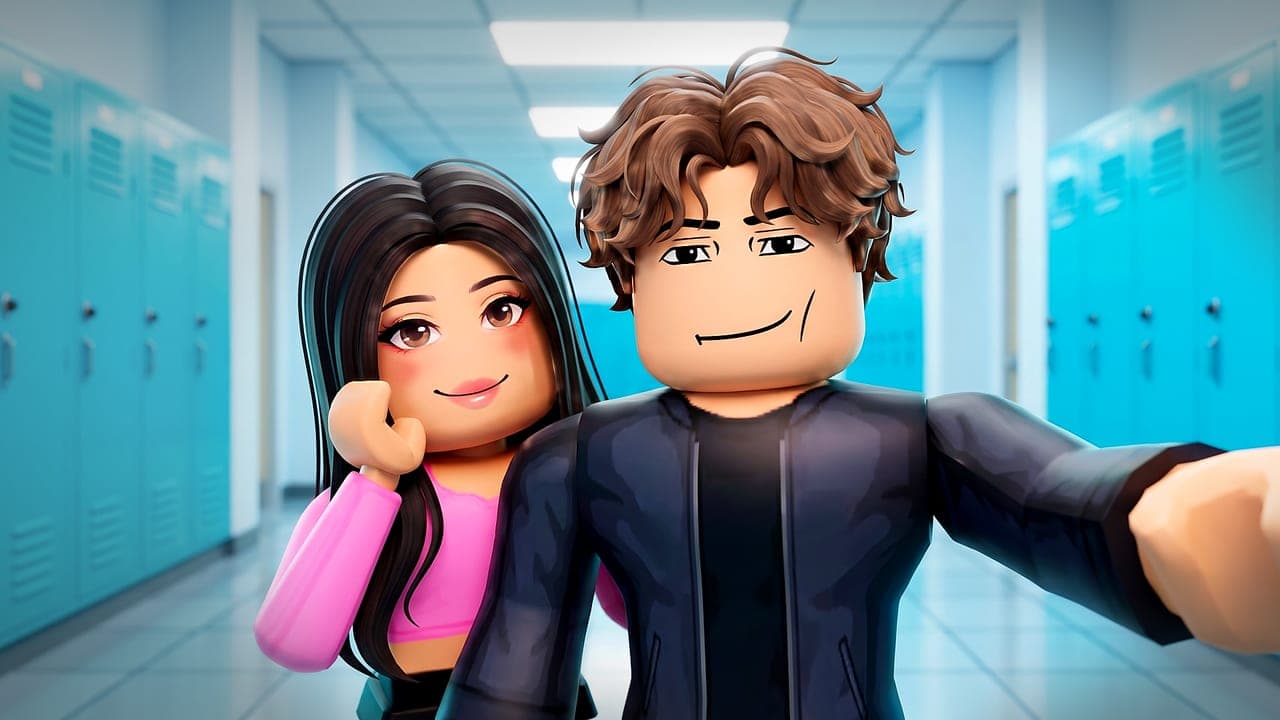
Realistic
Cinematic, with detailed faces, like top roleplay, school, cooking and sports games.
Make one with CTRthumbs
Pick a top thumbnail
Choose one from today's top Roblox games, upload one you like, or skip it. Yours copies its layout, never its characters or words.
Describe your game
Fill in a few blanks: your game, your hero and what happens. Add your own avatar by username.
Make it yours
Move, restyle or delete any word or arrow, then download it at 1920×1080.
CTRthumbs draws it in about a minute, in the style you pick, built on everything above. Need a square one too? See the Roblox icon maker.
Questions
What makes a good Roblox thumbnail?
One clear moment from your game, one huge subject, a loud face, bright colors that set the subject apart, and few words. It should make sense at phone size in a second.
Should a Roblox thumbnail have text?
Only if it adds something. About a third of top thumbnails have none. The rest use one to three huge words, like a specific number or a rarity word, never over a face.
What size should a Roblox thumbnail be?
1920×1080 pixels (16:9). Roblox stretches other shapes to 16:9. Our Roblox thumbnail size guide has every size.
How do I take a screenshot for a thumbnail in Roblox Studio?
Use Studio's free camera: press Left Shift + P during a solo playtest to turn it on or off, then move the camera to the angle you want.
How often should I change my thumbnail?
Roblox recommends testing new thumbnails with any major game or content update, and keeping several active instead of picking one winner.
Roblox's tips and sizes are from its Creator Hub docs on thumbnails, checked October 19, 2026. The numbers about top thumbnails come from our own study of about 300 of them. CTRthumbs is an independent tool and isn't affiliated with, endorsed by or sponsored by Roblox Corporation.