
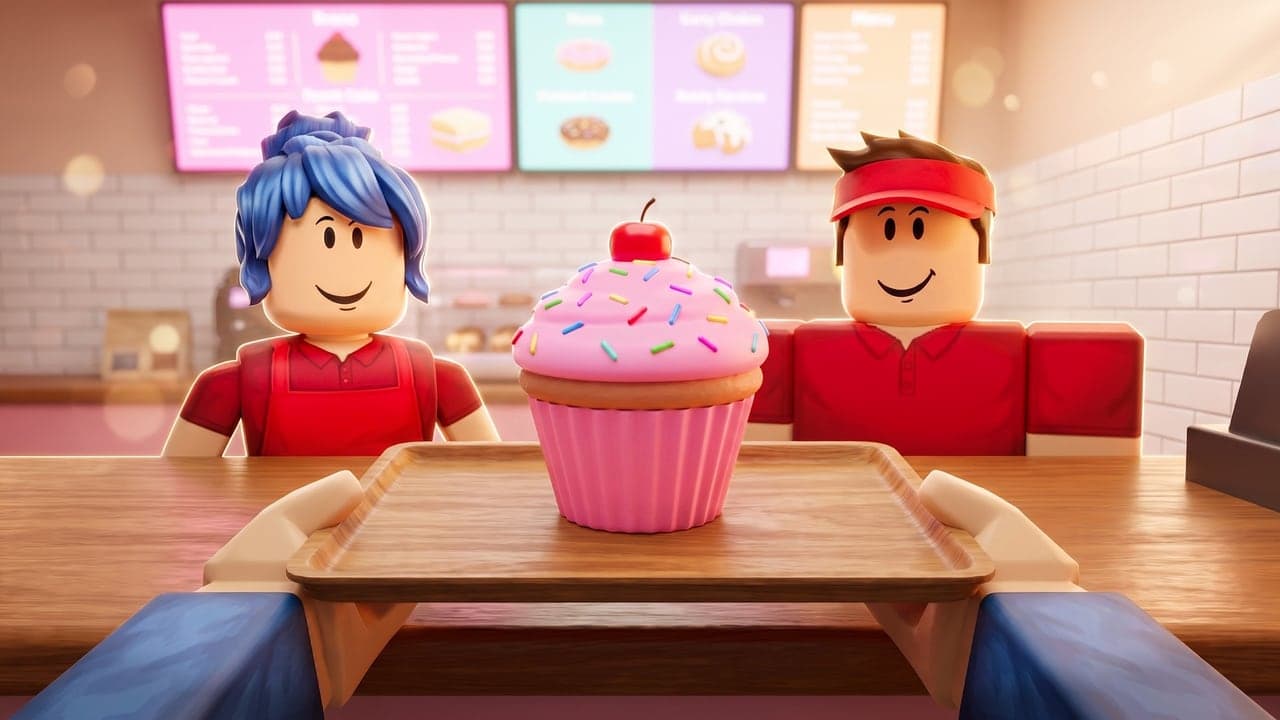
Every size at a glance
Thumbnail
1920×1080
16:9, up to 10 per game
Game icon
512×512
Square, scaled down to sizes like 150×150
Game pass
512×512
Shown as a circle
Badge
512×512
Trimmed to a circle when you upload it
Thumbnails: 1920×1080, 16:9
Roblox shows thumbnails on its Home page and at the top of your game's page, and you can add up to 10 images or videos. Its docs ask for a 16:9 image, ideally 1920×1080 pixels, which shows sharp across the Roblox site and app. You can upload a .jpg, .gif, .png, .tga or .bmp.
Other shapes get stretched, not cropped
Roblox shows every thumbnail at 16:9, whatever shape you upload, so a square or 4:3 image comes out squashed. Make it 16:9 from the start.
Keep the bottom clear
Roblox may cover the bottom of a thumbnail with details like the player count, so keep words and anything important out of the bottom edge.
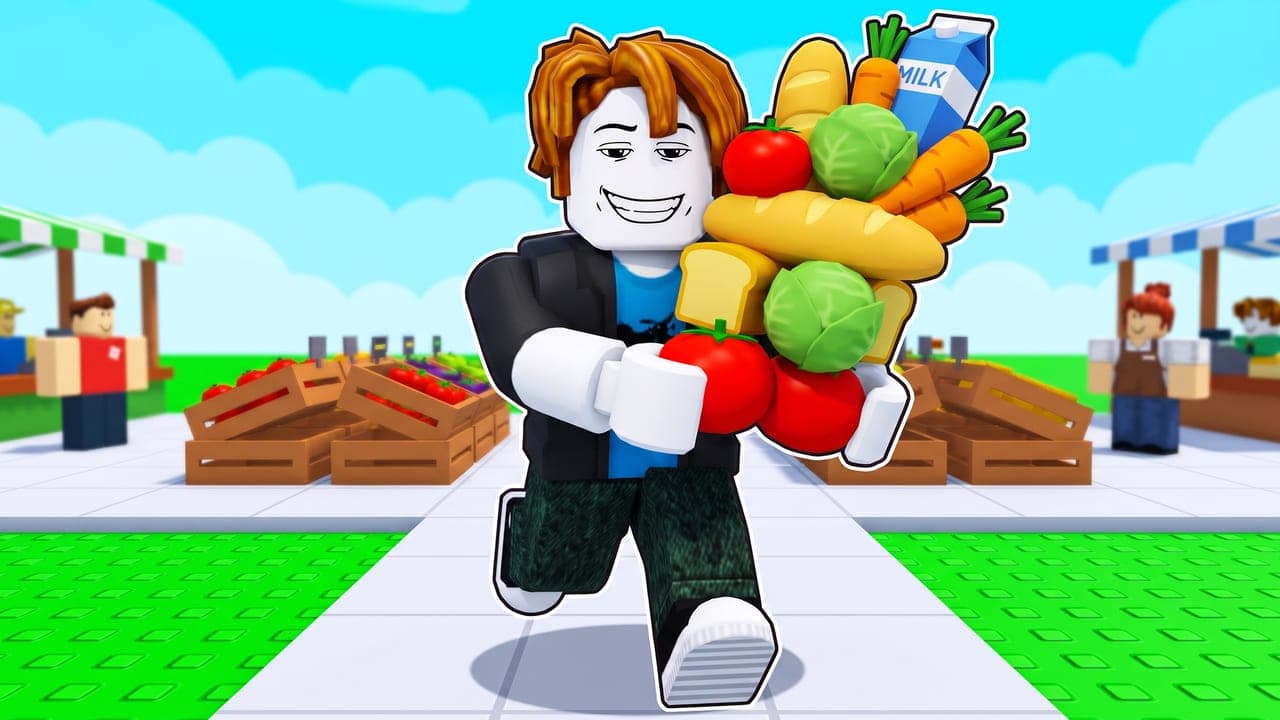 Roblox may show details like the player count here
Upload more than one
With two or more thumbnails active, Roblox's Home page personalization shows them to random groups of players and sends more of each group to the one that works best for it. Roblox recommends testing new thumbnails with every major update, and its docs ask you to keep these images under 3 MB and 1920×1080 pixels.
Icons: 512×512, square
Roblox's docs ask for a square icon of at least 512×512 pixels and suggest a 512×512 template. Icons are also scaled down to sizes like 150×150, so look at yours that small and make sure it still reads.
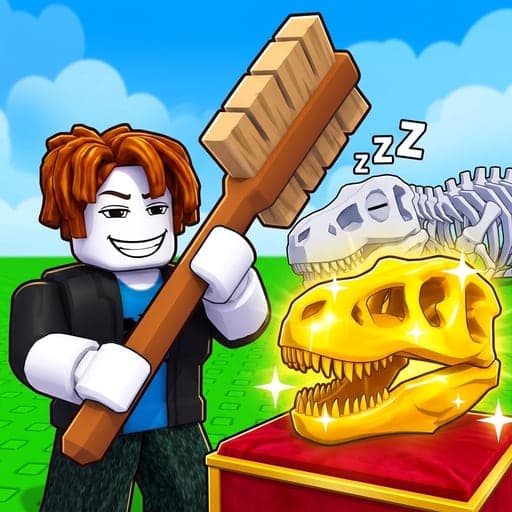
One big subject on a simple background still reads at 150×150. Our Roblox icon maker page has more on what makes an icon work.
Game passes and badges: 512×512, cut to a circle
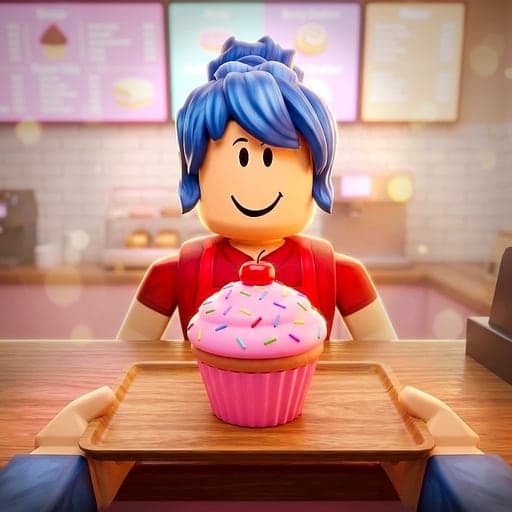
Game passes: an image no bigger than 512×512, as a .jpg, .png or .bmp. Roblox shows it as a circle, so keep the important details inside it.
Badges: use a 512×512 template. When you upload a badge, Roblox trims and crops it into a circle, so don't put anything important outside it.
Before you upload
- Thumbnails are 16:9, ideally 1920×1080.
- Nothing important sits along a thumbnail's bottom edge.
- Icons are 512×512 squares that still read at 150×150.
- Game pass and badge art fits inside a circle.
- Every image shows what's really in your game. Roblox moderates them before other players see them.
CTRthumbs makes thumbnails at 1920×1080 and icons, game passes and badges at 512×512, and its Front page tab shows yours next to today's top Roblox games at the size players see them. For what to put in the image, see how to make a Roblox thumbnail.
Questions
What size is a Roblox thumbnail?
1920×1080 pixels, a 16:9 image. Roblox shows every thumbnail at 16:9, whatever shape you upload.
What happens if my thumbnail isn't 16:9?
Roblox stretches it to 16:9, so a square or 4:3 image looks squashed. It isn't cropped.
What size is a Roblox game icon?
A 512×512 square. Roblox asks for at least 512×512 and scales icons down to sizes like 150×150.
How many thumbnails can a Roblox game have?
Up to 10 images or videos on your game's page. With two or more active, Roblox's Home page personalization tests them for you.
What file types can I upload?
Thumbnails can be .jpg, .gif, .png, .tga or .bmp, and game pass images .jpg, .png or .bmp.
Every size and rule here is from Roblox's Creator Hub docs on thumbnails, icons, game passes and badges, checked October 19, 2026. Roblox can change them, so its docs have the final word. CTRthumbs is an independent tool and isn't affiliated with, endorsed by or sponsored by Roblox Corporation.