
Turn your thumbnail into an icon
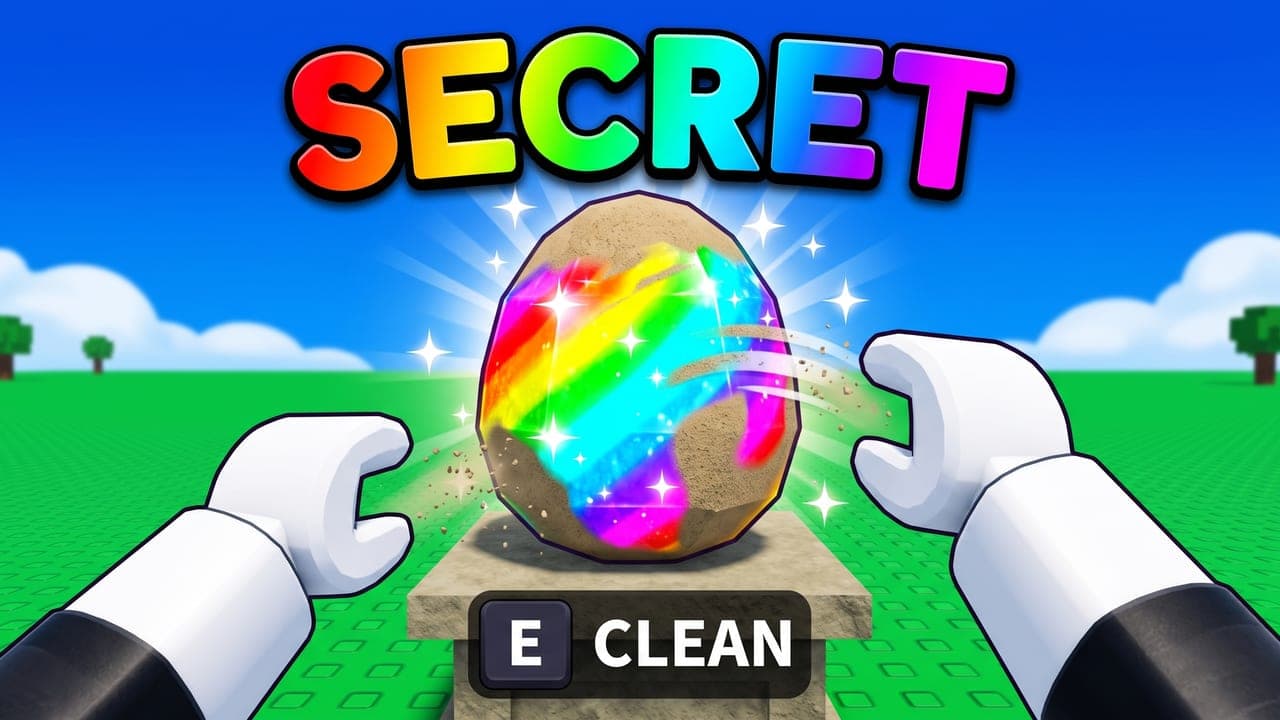
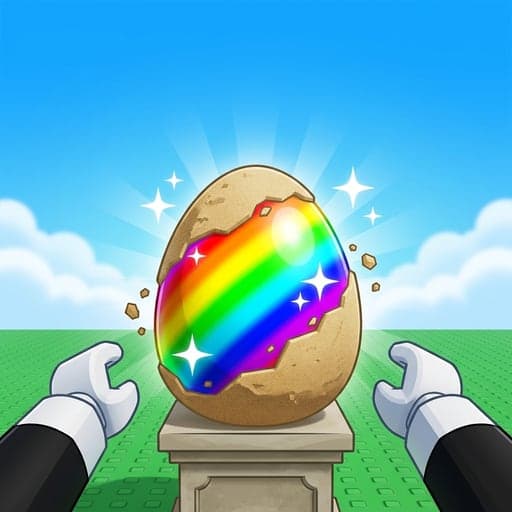
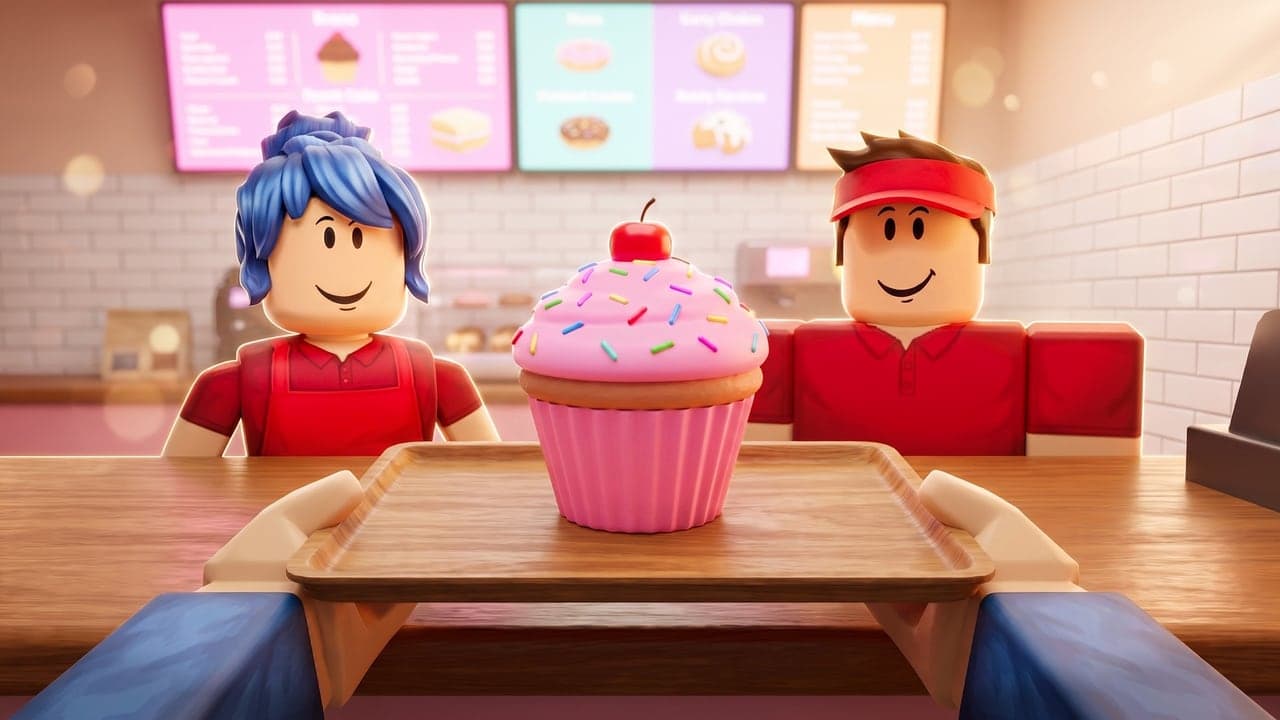
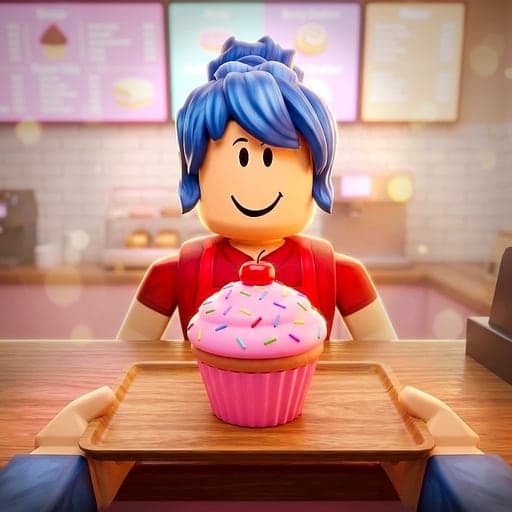
Made a thumbnail already? Click Make into icon under it. CTRthumbs redraws the same hero and main object close up to fill a square, on a simple bright background and in the same style, so your icon and thumbnail look like one game.
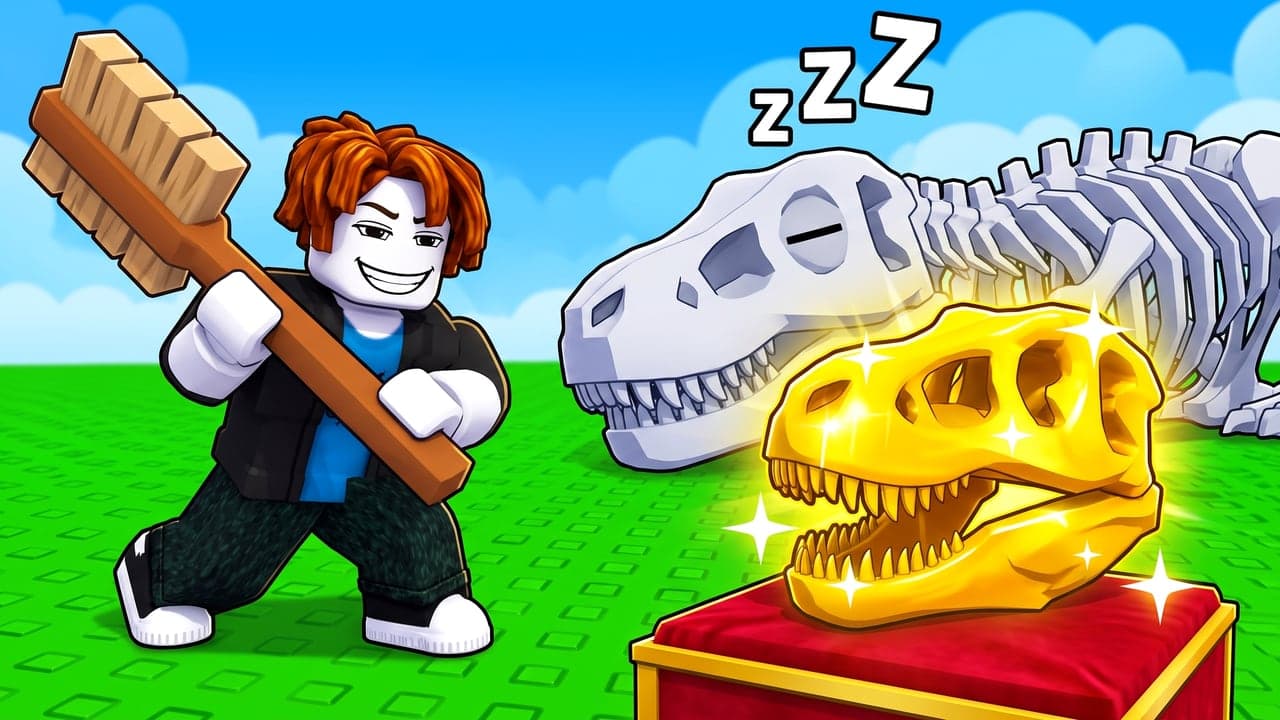
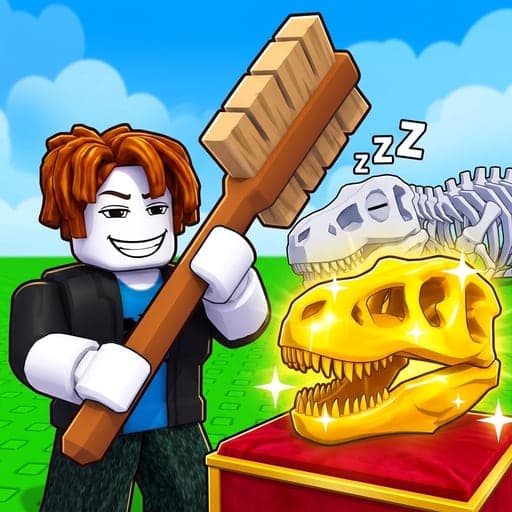
Icons, game passes and badges
Pick the format before you make the image. All three are 512×512 squares, but Roblox shows them differently, and CTRthumbs plans each one for its shape.
Game icon
512×512
Roblox scales icons down to sizes like 150×150, so the subject has to read when it's small.
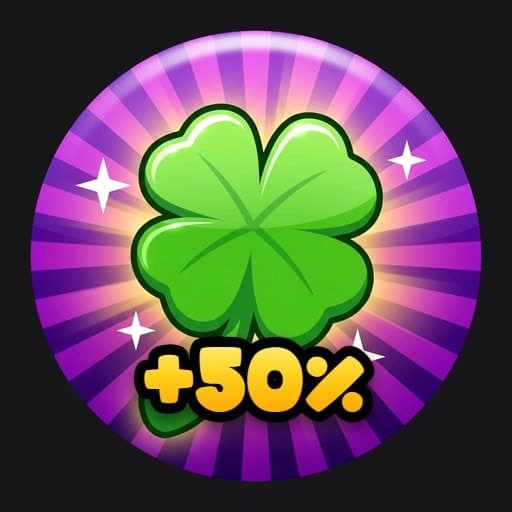
Game pass
512×512
Shown as a circle, so CTRthumbs keeps everything important inside it.
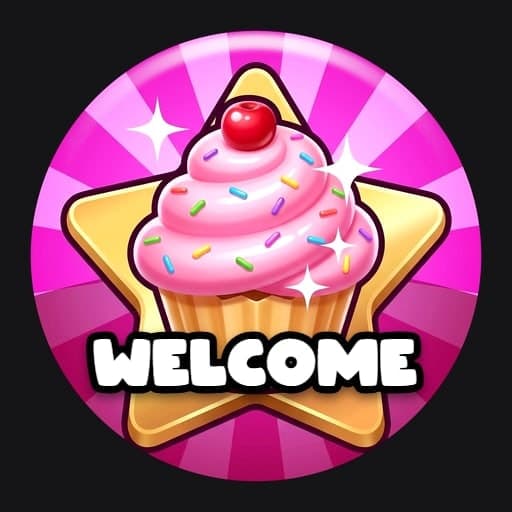
Badge
512×512
Roblox trims badges into a circle when you upload them, so the subject stays in the middle.
Every size Roblox asks for, and what it does with each image, is in our Roblox thumbnail size guide.
What makes a Roblox icon work
We studied the icons of about 50 top Roblox games. The ones you spot at a glance do the same few things:
One subject that fills the square
A mascot creature, or your hero's face close up with the game's tool or prize. Not a whole scene shrunk down.
Readable when it's small
Roblox scales icons down to sizes like 150×150. If you can't tell what it is at that size, make it simpler.
A simple, bright background
Plain and bright, in a color that's different from the subject, so the subject is the loudest thing in the square.
Nothing important near the edges
Keep the subject in the middle with room around it, above all on game passes and badges, which Roblox shows as circles.
Words only when they're the hook
About one in five top icons has text, and it's usually one short, huge number.
True to your game
Roblox's own tip: an icon has more impact when it's unique and shows what players will really find in your game.
How it works
Pick Icon, Game pass or Badge
Choose the format in the Studio's options. Thumbnails are there too, at 1920×1080.
Describe your game
Fill in a few blanks: your game, your hero and what happens. Or start from a thumbnail you made with Make into icon.
Pick a style and download
Cartoon, Semi-realistic or Realistic. Add a word or number if it's your hook, then download a 512×512 PNG.
Questions
What size is a Roblox game icon?
A 512×512 square. Roblox's docs ask for at least 512×512 and suggest a 512×512 template, and icons from CTRthumbs come out at exactly 512×512.
What size are game pass and badge images?
512×512 too. Roblox shows game passes as circles and trims badges into a circle when you upload them, so keep the important part in the middle. CTRthumbs does that for you when you pick Game pass or Badge.
Can I put my own avatar on my icon?
Yes. Add your Roblox username in the Studio's menu at the top right and pick My avatar under Main character: your avatar becomes the hero. Or use one of the default characters.
Is it free?
CTRthumbs is paid, and you can try it free: 3 days of Plus with 6 credits. A card is needed to start the trial, and you won't be charged if you cancel before the 3 days are up. Plans start at $7.99 a month, and credit packs at $5.
Who owns the icons I make?
We don't claim ownership of the images you make, and you can use them in your games, including commercially: on Roblox, in ads and on social media. Similar requests can lead to similar images for different people, so check each one before you publish it.
Sizes from Roblox's Creator Hub docs on icons, game passes and badges, checked October 19, 2026. The share of top icons with text comes from our own study of about 50 of them. CTRthumbs is an independent tool and isn't affiliated with, endorsed by or sponsored by Roblox Corporation.